
AI Tools for Solo Attorneys: What's Actually Worth Using
Which AI tools a solo attorney can actually buy and use safely, by task: research, drafting, contract review, practice management and intake, with the ABA Opinion 512 baseline.
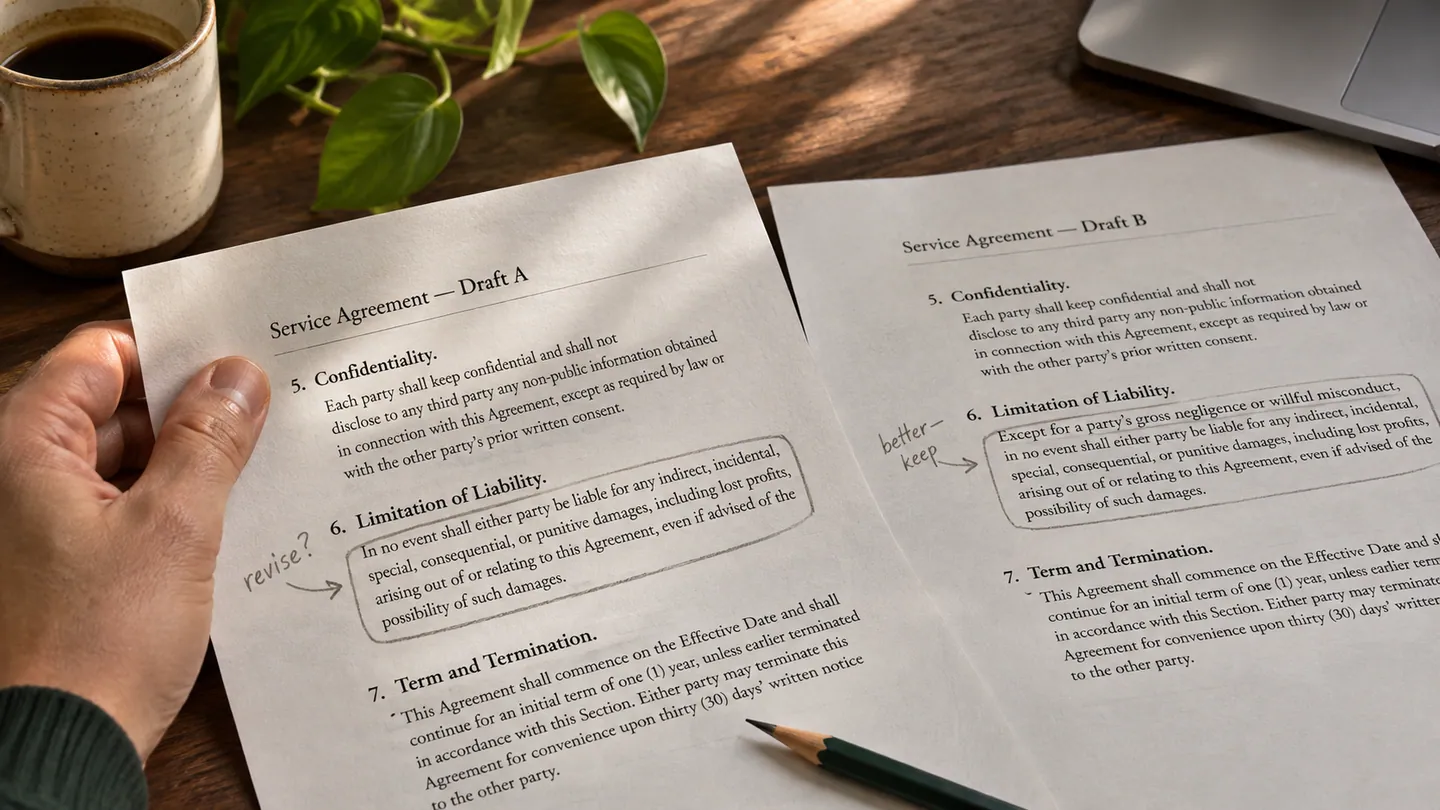
Most AI pitches to lawyers follow the same script: a polished demo, a big claim about hours saved, and a request to book a call. A solo attorney needs a narrower answer. Which tools can one lawyer actually buy, set up in a week and use without creating an ethics problem?
This guide is that answer, organized by the job the tool does. It names real products only where we could confirm what they are and who sells them. It quotes no prices, because the vendors in this market rarely publish fixed prices for small firms. Ask for a written quote and compare it to what you would actually use.
Five Questions to Ask Before You Pay for Any AI Tool
- Can I get value within a week? A tool that needs a month of configuration is a large-firm purchase. Solo attorneys pay for setup time out of billable hours or evenings.
- What happens when it is wrong? Some errors are easy to spot, such as a clumsy sentence in a letter. Others look right, such as a real-looking citation to a case that does not exist. The harder an error is to see, the more checking the tool needs.
- What does the vendor do with my inputs? Read the data terms. Does the vendor train its models on what you type? Who can see it? How long is it kept? This decides whether you can use the tool with client information at all.
- Does it fit where I already work? A tool inside your word processor or practice management software gets used. A tool that needs copy and paste between windows tends to get abandoned.
- Can I confirm the price? If the price depends on a sales call, get it in writing, including what happens at renewal.
The Ethics Baseline: ABA Formal Opinion 512
The ABA's Formal Opinion 512 (July 2024) explains how the existing Model Rules apply to generative AI. In short:
- Competence (Rule 1.1): understand what the tool does and check its output.
- Confidentiality (Rule 1.6): get the client's informed consent before you put information about their matter into a self-learning tool. The opinion says boilerplate consent in an engagement letter is not enough.
- Communication (Rule 1.4): answer honestly if a client asks how you use AI, and consider when to raise it yourself.
- Candor (Rules 3.1, 3.3, 8.4(c)): verify every citation before you file.
- Supervision (Rules 5.1, 5.3): set rules for anyone in your office who uses the tools.
- Fees (Rule 1.5): bill hourly work at the time actually spent, not the time you would have spent without AI. Do not bill clients for learning a tool you will use across your practice.
States have issued their own opinions, and they differ in detail. Examples include the Florida Bar's Ethics Opinion 24-1 and Texas Opinion 705. Read your own state's guidance first.
Legal Research: Useful, With Mandatory Verification
AI research assistants are good at a first survey of a question, case summaries and searches for adverse authority. They still make mistakes, including citing real cases for points they do not support. The main options a solo can buy:
- Thomson Reuters CoCounsel and Westlaw. Thomson Reuters bought Casetext, the original maker of CoCounsel, in August 2023. CoCounsel is now part of its legal products.
- Lexis+ with Protégé. LexisNexis made it generally available in February 2026 as the successor to Lexis+ AI.
- vLex and Vincent AI. vLex merged with Fastcase in 2023, and Clio completed its purchase of vLex in November 2025.
Ask each vendor whether the AI features are in your plan or in a separate tier. Our guide to AI-powered legal research covers a full research and verification workflow.
Drafting: Worth It for Routine Documents, With Review
AI drafting helps most with routine documents where your judgment sits in the facts and the review: demand letters, client letters, standard discovery requests, common contract clauses. It helps least with briefs in contested matters, complex deals and documents whose exact wording is the legal instrument, such as wills and deeds.
General-purpose assistants on a business plan. Tools like ChatGPT draft competent first versions when you give them full context. The plan matters. OpenAI says on its enterprise privacy page that it does not train on business data by default for ChatGPT Business, ChatGPT Enterprise and its API. Consumer accounts work differently, so check the settings before you type anything about a client. Even on a business plan, Opinion 512 still requires you to understand the vendor's terms and to protect client information.
Drafting tools inside Microsoft Word. Some legal drafting tools run as Word add-ins, so you draft and review in the document you would use anyway. Spellbook is one example: its help center describes a Word add-in that drafts clauses and reviews contracts. Its pricing page asks you to request a quote.
The full workflow, including prompts and review checklists, is in our guide to drafting legal documents with AI.
Contract Review: Good First Pass, Your Judgment on the Rest
Pulling out key terms is a task that suits AI well. That includes payment terms, renewal and termination rights, liability caps, indemnities and governing law. A first-pass summary lets you spend your time on the clauses that need judgment. Treat the summary as a checklist to confirm against the contract, not as the review itself. If a contract-analysis vendor's sales process assumes a large firm or a corporate legal department, the product is probably not a fit. A solo is usually better served by a Word-based tool or a business-plan assistant with careful prompts.
AI Inside Your Practice Management Software
Practice management vendors now build AI into their products. Clio, for example, markets an AI assistant inside Clio Manage. Check its pricing page to see which plans include it. The advantage of built-in AI is that it already has the matter context, so there is less copying and pasting.
AI time capture is the most practical feature here for many solos. The software suggests time entries from your activity, and you approve, edit or reject them. You still own every entry on the bill, so review them before invoicing. Lexfora, which publishes this blog, includes AI time capture. It does not draft documents for you.
Deadline calculation is not AI. Court-rules deadline calculators apply fixed rules to a trigger date. That is valuable for litigators, but it is rules software, and it is only as good as its rules database. See our guide to automating deadline tracking for what to ask a vendor.
AI intake chat and call handling. These tools can collect contact details and basic facts after hours. Two cautions. First, a person who consults you about a possible matter is a prospective client under Rule 1.18, so information they give an intake bot can still limit whom you can represent. Configure intake to collect only what you need for a conflict check. Second, the tool must not give legal advice. You are responsible for it under Rule 5.3.
Client Communication: Draft With AI, Send After Checking
AI drafts routine status updates and explanations of legal concepts quickly. A client may rely on what the letter says, so check every date, deadline and statement of case status against the file before you send it. Do not let any tool send client messages without your review.
What Is Not Worth Paying For Yet
- Autonomous "agents" that act without review. Anything that files, sends or commits on a matter without a lawyer checking first creates supervision and candor problems the time savings do not justify.
- AI "strategy" tools. Strategy depends on the client's goals, the other side and the judge. A confident recommendation built on pattern-matching can be worse than none.
- Enterprise platforms sold through long sales cycles. If the vendor's onboarding assumes a knowledge-management team, the tool was not built for a solo practice.
- Any tool whose data terms you cannot get in writing. If you cannot tell whether it trains on your inputs, you cannot use it with client information.
A Sensible Order to Start
- Pick the single task that costs you the most unbilled time each week.
- Choose one tool for that task, on a plan whose data terms you have read.
- Write a one-page office policy: what may go into the tool, what must be checked, and who checks it.
- Use it for a month on low-stakes work, keep notes on its errors, and only then expand.
- Update your engagement letter and fee practices so they match Opinion 512 and your state's guidance.
This article is general information for lawyers, not legal advice. Rules of professional conduct differ by jurisdiction; check your state's rules and bar ethics opinions before relying on anything here. See our disclaimer and editorial standards.
Lexfora is practice-management software for solo and small law firms, currently in early access. Request early access.
About this article
This is practice-management guidance, not legal advice, and reading it creates no attorney-client relationship. Rules on advertising, fee arrangements and trust accounting vary by state — check your own jurisdiction's rules and your bar's guidance before acting on anything here.
Put these systems on rails
Turn your intake, matter workflows, client updates and billing into repeatable systems with Lexfora.
Request Early AccessRelated Articles

How to Run a Solo Law Practice Without Burning Out
Why solo practice wears lawyers down, and the boundaries, systems and attention habits that make it sustainable, with the ethics limits on automating intake and billing.
The Solo Attorney's Complete Guide to Automating Client Intake
How to automate client intake from first inquiry to signed engagement letter, while meeting your Rule 1.18 duties to prospective clients.