
Using AI to Draft Legal Documents: A Solo Attorney's Guide
Which documents benefit from AI drafting, how to prompt and review, and what ABA Formal Opinion 512 requires on confidentiality, disclosure, supervision and fees.
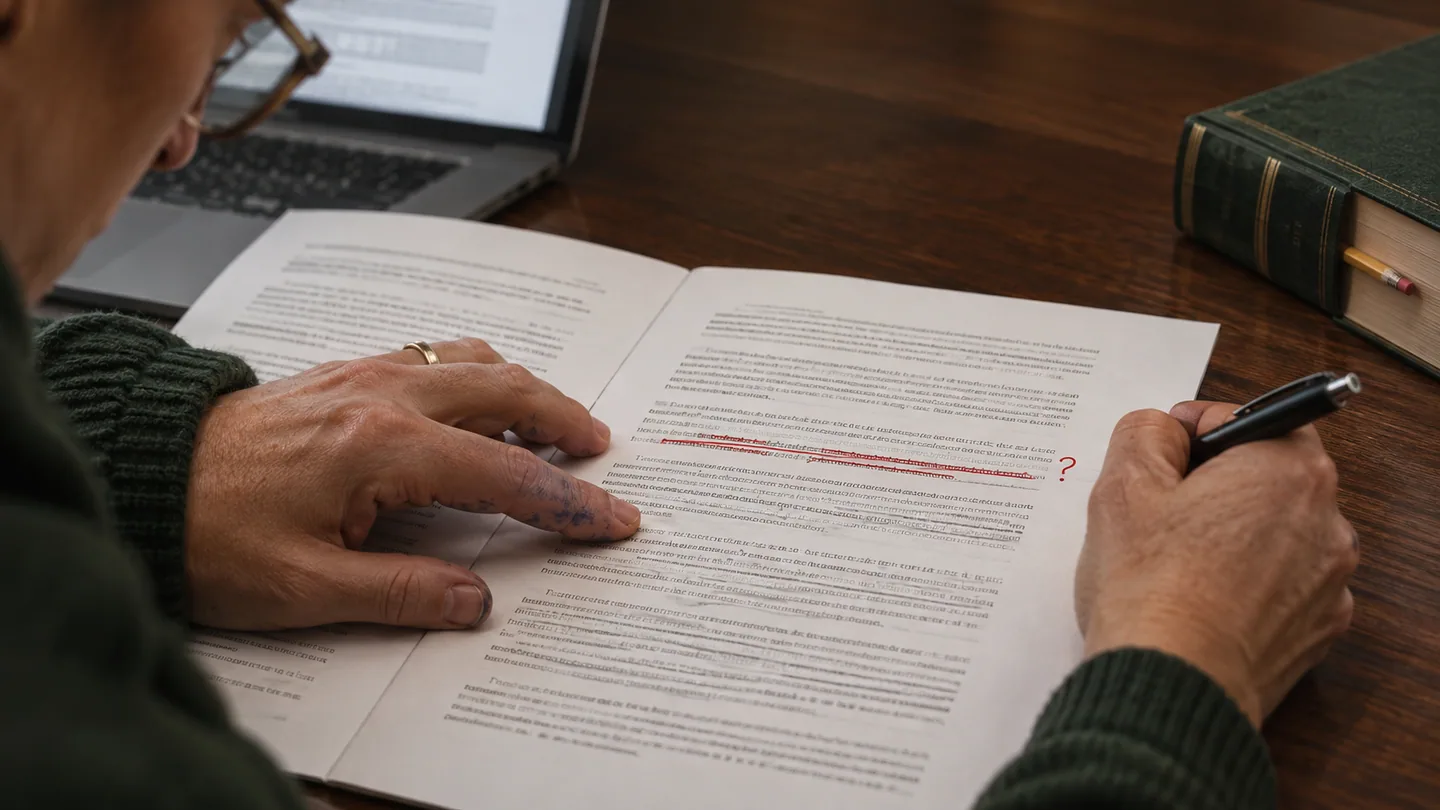
Most lawyers feel some unease the first time they use AI to draft a legal document. That unease is healthy. AI drafting is permitted in the jurisdictions that have addressed it, with conditions. But skepticism about a tool you do not fully understand is the right starting point.
The lawyers who use AI drafting well are not the most enthusiastic. They test it on low-stakes work, learn where it fails, build a review routine that catches those failures, and then use it where the benefit clearly outweighs the risk. This guide covers which documents benefit, how to prompt, how to review, and what the ethics rules require.
The Part of Drafting AI Can Help With
Drafting has two parts. The first is judgment. Which legal framework fits? What does the client need the document to achieve? Which clauses are essential, and which are negotiating positions? That is your expertise, and AI cannot reliably do it for you.
The second is translation. You turn those decisions into complete, well-structured language with consistent defined terms and no gaps. In a document type you draft every week, this feels fast. In an unfamiliar document type, or across a high volume of routine documents, it is where the time goes.
AI drafting tools are at their best as translation assistants. You decide what the document must do. The tool produces a first draft. You review it and apply your judgment to the specific matter. Used that way, AI saves time without lowering quality. If you let it decide what the document should say and accept the result without real review, you take on risk that no time saving justifies.
Documents Where AI Drafting Helps Most
The best candidates share three traits. The structure is standard. Your contribution is mainly the facts and objectives. An error is something careful review will reliably catch.
Demand letters and pre-litigation correspondence. The structure is predictable: facts, legal basis, demand, deadline, consequence. Your judgment is in the facts and the demand. A good prompt with a factual summary produces a solid first draft.
Standard contract provisions. Confidentiality clauses, IP assignments, limitation of liability language and standard representations are all good candidates. AI gives you a starting draft to adapt instead of rebuilding a clause from memory or an old file.
Client correspondence. Status letters and plain-English explanations of legal concepts take time and suit AI drafting well. The stakes are usually lower, which makes this a good place to build your review habits. But a client may rely on what the letter says, so every date and statement of status still needs checking.
Routine agreements in your own practice area. Simple service agreements, standard NDAs and basic offer letters are examples. If you give the tool your jurisdiction and your own preferred template, the edits are mostly matter-specific details.
Standard discovery. Routine interrogatories, requests for production and requests for admission follow set structures. AI can produce the mechanical parts. You decide what to ask for and how to handle objections.
Documents That Need Extra Caution
Complex transactions. In a financing or acquisition agreement, small wording choices carry economic consequences. An AI draft can be a starting point for thorough review. Approving language whose legal effect you have not worked through is not acceptable.
Court filings. Briefs and motions are subject to local rules, standing orders and judicial preferences that AI often gets wrong. A filing can state the right standard and still miss a required procedural argument or break a formatting rule. Review procedure as closely as substance, and verify every citation. Lawyers have been sanctioned for filing briefs with invented cases. The best-known example is Mata v. Avianca, Inc., 678 F. Supp. 3d 443 (S.D.N.Y. 2023), where the court imposed a $5,000 sanction.
Documents where the words are the legal instrument. Wills, trusts, deeds and other documents that create or transfer rights through their exact language need the closest review of all. An ambiguous distribution clause or a wrong legal description can cause problems long after the matter closes.
A Drafting Workflow That Works
Give a complete specification. "Draft an NDA" produces something generic. A useful prompt states:
- jurisdiction and governing law
- the parties and their relationship
- the purpose of the document and the outcome it must achieve
- provisions that must be included, and any that do not apply
- the tone and level of formality
- for longer documents, an outline of the sections
Keep client-identifying details out of the prompt unless the tool's data terms and your client's consent allow them. More on that below.
Treat the output as a first draft. Check that every required provision is present, that defined terms are used consistently, that jurisdiction-specific requirements are met, and that any unusual wording does what you intend.
Build a review checklist per document type. List the required provisions, the local requirements and the errors the tool tends to make in that document. Add to the list each time you catch something new.
Keep versions. Save the AI first draft and the final version separately in the matter file. The history shows what you changed and why, which helps if the document is later disputed.
The Ethics Framework: ABA Formal Opinion 512
In July 2024 the ABA issued Formal Opinion 512 on generative AI tools. It applies the existing Model Rules to AI. It is not binding on its own, but state bars and courts read it closely. A summary in The Bar Examiner quotes its key passages.
Competence (Rule 1.1). Comment 8 to Rule 1.1 says a lawyer should keep abreast of "the benefits and risks associated with relevant technology." Opinion 512 applies this to AI. You need a reasonable understanding of what the tool can and cannot do, and you must review its output at a level that fits the task. You cannot rely on a draft you have not checked.
Confidentiality (Rule 1.6). Rule 1.6(c) requires reasonable efforts to prevent unauthorized disclosure of, or access to, information relating to a representation. Opinion 512 goes further for self-learning tools, meaning tools that may use your inputs to train or to answer other users. Before you put information relating to a client's matter into such a tool, you need the client's informed consent. The opinion says boilerplate consent buried in an engagement letter does not count. For any tool, read the vendor's terms on training, retention and access. Removing identifying details from prompts reduces the risk, but it does not replace this analysis.
Communication and disclosure (Rule 1.4). There is no blanket rule that you must tell every client you used AI on every document. But Opinion 512 says you must disclose when the client asks. You may also need to disclose when the engagement terms call for it, or when AI output will influence a significant decision in the representation. You need consent, as above, before client information goes into a self-learning tool. Many lawyers address AI use in their engagement letters. That is reasonable, provided it is a real explanation and not boilerplate standing in for informed consent.
Candor to the tribunal (Rules 3.1, 3.3, 8.4(c)). Anything you file must be accurate. Citations, quotations and descriptions of the record must be checked against the source. Some courts also have standing orders on AI use in filings, so check the local rules and the judge's orders.
Supervision (Rules 5.1, 5.3). You are responsible for AI-drafted work as if you had written every word yourself. You cannot blame the tool. If you have staff or contract lawyers, set written rules on which tools they may use, what may go into them and how output is checked.
Fees (Rule 1.5). Opinion 512's guidance on fees matters most for drafting:
- If you bill hourly, bill the time you actually spent. A letter that took twenty minutes with AI is a twenty-minute entry.
- A flat fee must still be reasonable. The opinion warns that charging for work that took little or no effort can be unreasonable.
- Generally you may not charge a client for time spent learning a tool you will use across your practice.
- Whether a tool's cost can be passed to the client or is overhead depends on the tool and the arrangement. Agree on it in advance if you plan to charge it.
Your state may differ. Many states have their own AI guidance, and the details vary. Examples are the Florida Bar's Ethics Opinion 24-1 and the Texas Professional Ethics Committee's Opinion 705. Check your own state bar's opinions before you set your office policy.
How the Workflow Improves With Practice
The first time you use AI on a new document type, the gain is small. Prompting, reviewing and revising are all unfamiliar. By the third or fourth time, with a saved prompt and a review checklist, the draft is closer to final and the review is faster. Most of the improvement comes from you getting better at specifying and reviewing, not from the tool.
That improvement is not free. Business-tier AI subscriptions cost money, and the time to build prompts and checklists is your own. Under the fee rules above, you generally cannot bill clients for it. The return comes from capacity: more matters handled well in the same week. It does not come from billing more for the same work.
For a broader view of which AI tools suit a solo practice, see our guide to AI tools for solo attorneys. For research rather than drafting, see our guide to AI-powered legal research.
This article is general information for lawyers, not legal advice. Rules of professional conduct differ by jurisdiction; check your state's rules and bar ethics opinions before relying on anything here. See our disclaimer and editorial standards.
Lexfora is practice-management software for solo and small law firms, currently in early access. Request early access.
About this article
This is practice-management guidance, not legal advice, and reading it creates no attorney-client relationship. Rules on advertising, fee arrangements and trust accounting vary by state — check your own jurisdiction's rules and your bar's guidance before acting on anything here.
Put these systems on rails
Turn your intake, matter workflows, client updates and billing into repeatable systems with Lexfora.
Request Early AccessRelated Articles
AI Tools for Solo Attorneys: What's Actually Worth Using
Which AI tools a solo attorney can actually buy and use safely, by task: research, drafting, contract review, practice management and intake, with the ABA Opinion 512 baseline.

The Legal Tech Stack for Solo Practitioners: A Complete Breakdown
The eight jobs a solo practice needs software for, what to look for in each, the ethics rules that apply, and where one product can cover several jobs.