
The Solo Attorney's Complete Guide to Automating Client Intake
How to automate client intake from first inquiry to signed engagement letter, while meeting your Rule 1.18 duties to prospective clients.
Few solo attorneys went to law school to return prospect calls, chase missing intake forms and email retainer agreements one at a time. Yet intake is where a large share of a solo's week goes. Intake means everything between a prospect's first contact and a signed engagement agreement. It runs on every matter, it is almost never billable, and it shapes the prospect's first impression of you.
Much of it can now be automated with ordinary practice management and scheduling tools. You can automate acknowledgment, questionnaires, conflict screening, scheduling, engagement letters and onboarding. That leaves your time for the consultation and the decisions only a lawyer can make. This guide covers how to map your process, the five components of an automated system, and the ethics rules that apply to prospective clients. Those rules are easy to break by accident when a machine does the first contact.
Why Intake Is a Good First Process to Automate
It repeats on every matter. Each inquiry needs a response, a qualification step, a conflict check, scheduling, document collection and an engagement letter. Done by hand, that is many small tasks per prospect. Count your own inquiries for a month and estimate the minutes each one takes. That number, not a benchmark, tells you what automation is worth to you.
It applies your criteria consistently. A structured process asks every prospect the same questions. Tired, rushed decisions are less likely to let a poor-fit matter through or turn a good one away.
It is the prospect's first experience of you. A prompt, clear acknowledgment and an organized next step signal competence. A two-day wait and a retainer agreement with the wrong name signal the opposite.
The Ethics Ground Rules for Intake
Automated intake runs into duties that apply before anyone becomes your client. Build them into the design from the start.
Prospective clients are owed duties (Model Rule 1.18). The ABA text of Rule 1.18 sets the baseline. A person who consults you about possibly forming a lawyer-client relationship is a "prospective client." That holds even if you never take the matter. You generally may not use or reveal what they told you. If they gave you information that "could be significantly harmful" to them in the matter, you may be barred from representing someone adverse to them in the same or a substantially related matter. That bar can extend to your firm unless the rule's conditions are met. The ABA explains these duties in Formal Opinion 492 (2020). Your state's version of Rule 1.18 may differ. The D.C. rule, for example, handles screening differently.
Run conflicts before you collect confidential details. The comments to Rule 1.18 advise limiting the initial consultation to what you need to decide whether to take the matter. For intake design, that means your first form asks only for what a conflict check needs. That is the prospect's name, the other parties and related entities, and a one-line description of the matter type. ABA Formal Opinion 510 (2024) makes the same point: ask only for the minimum information needed to decide whether to take the matter. Ask for the story and the documents only after the conflict check clears. Say on the form that the prospect should not send confidential details yet. The comments to Rule 1.18 also say that whether a person who sends information through a website becomes a prospective client depends on the circumstances, including any clear warnings you give about what the form does and does not create.
Send a non-engagement letter when you decline. When you decline a matter, or a prospect does not hire you, send a short letter or email. It should say that you do not represent them, that you have not evaluated the merits, and that deadlines, including limitations periods, may apply. It should also urge them to consult another lawyer promptly. This protects the prospect and protects you from a later claim that they believed you were handling it.
Automated tools must not give legal advice. An intake chatbot or after-hours call service is under your supervision (Rule 5.3). Configure it to collect facts and schedule, never to tell the person whether they have a case, how strong it is or what deadline applies. Review its scripts and transcripts regularly.
Do not screen on protected characteristics. Qualification logic should filter on scope, geography, matter type and conflicts. It should not filter on characteristics protected by anti-discrimination law or by your state's rules of professional conduct.
Map the Process Before You Automate It
Automation does not fix a poorly designed process. It runs that process faster and more consistently, which can make the problems more costly. Write down your current steps first. For most solos they are:
- Inquiry and acknowledgment. A prospect calls, fills in a web form, emails or is referred, and gets a first response.
- Conflict check. Names and parties are checked against current and former clients, adverse parties and earlier prospective clients, before substantive facts are discussed.
- Preliminary qualification. Is the matter in your practice area, jurisdiction and capacity?
- Consultation scheduling. Qualified, conflict-cleared prospects book a time.
- Pre-consultation information. Documents, a timeline and key facts arrive before the meeting.
- Engagement and onboarding. The engagement letter is signed, and the client and matter are set up in your system.
Mapping shows where your time actually goes and which steps get skipped under pressure. Those are the steps to automate first.
The Five Components of an Automated Intake System
Each component is useful on its own. The bigger benefit comes from connecting them so information entered once flows through every step.
1. Prompt Inquiry Acknowledgment
A prospect who writes on Friday evening and hears nothing until Monday may have hired someone else by then. An automatic acknowledgment fixes the delay. It confirms receipt and says when you will respond personally. It links to the first-stage form and tells the prospect not to send confidential details yet. Write it in your own voice. A generic autoresponder tells prospects they are interchangeable.
After-hours call answering, by a service or an AI tool, can take contact details and offer a callback or consultation slot. Apply the limits above. Collect conflict information only, and give no legal advice.
2. Staged Questionnaires
Use two forms, not one.
- Stage one (before conflicts): contact details, names of all parties and related entities, matter type, location, and how they found you. Add a short notice that submitting the form does not create a lawyer-client relationship and that they should not send confidential information yet.
- Stage two (after conflicts clear): a practice-area-specific questionnaire with the facts, timeline and documents you need for the consultation. A family law practice needs different questions than an estate planning or business litigation practice.
Add scope logic to stage one. If the matter is outside your practice area or jurisdiction, the system sends a courteous decline with a non-engagement notice and, where appropriate, a referral resource. The decision rules are yours. Review declined inquiries periodically to make sure the logic is not turning away matters you would take.
3. Conflict Checking From Intake Data
Under time pressure, conflict checks get rushed or pushed until after the consultation. Discovering a conflict after a long consultation is costly. Discovering it after engagement is worse. Feed stage-one names directly into your conflict search across current and former clients, adverse parties and past prospective clients. The system flags possible matches. You make the call on anything that is not a clear no-conflict result. Record the search and your decision in the file.
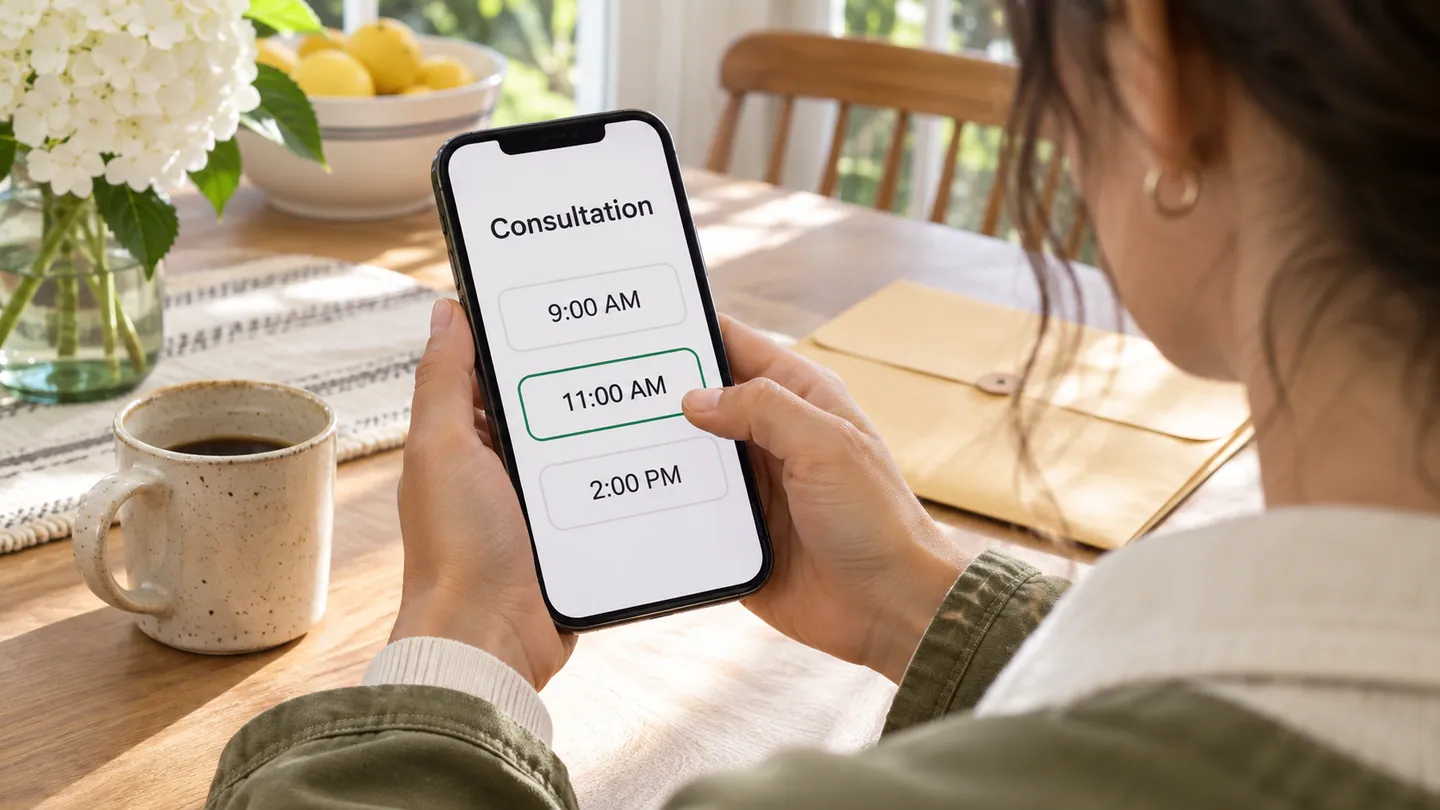
4. Self-Scheduling
Booking links remove the back-and-forth. Set consultation windows that protect court time and focused work. Make sure the scheduler reads your real calendar so prospects cannot book over hearings. Confirmations, reminders and reschedules can run without you.
5. Engagement and Onboarding
After a consultation where you decide to take the matter, fill your engagement letter template from the intake data. Review it, especially scope and fee terms, and send it for e-signature. Model Rule 1.5(b) asks you to communicate the scope of the representation and the basis of the fee, "preferably in writing." A contingent fee agreement must be in a writing signed by the client under Rule 1.5(c). Some states require written fee agreements in more situations, so check yours. When the letter is signed, matter setup, billing settings and the client welcome can start automatically. Our client onboarding checklist with templates covers that handoff, and our fee agreement compliance checklist covers the letter itself.
Common Implementation Mistakes
Automating before standardizing. Get the questionnaires, conflict process and engagement template right by hand first. Automating an inconsistent process gives you consistent inconsistency.
Collecting too much too early. A long first form invites prospects to send confidential facts before the conflict check. That creates Rule 1.18 problems.
A cold first message. The acknowledgment is your first impression. Spend the time to make it specific and warm.
Disconnected tools. Five tools that do not share data give you five manual handoffs. Choose tools that pass information between steps, either through native integrations or because one platform covers several steps.
No review cycle. Criteria, fee terms and scheduling rules change. Every quarter, look at where prospects drop off, read a sample of declined inquiries and update templates.
What Intake Automation Makes Possible
The direct gain is time. Your own inquiry count and minutes per inquiry tell you how much. The structural gain matters more. With a working system, more inquiries do not require a matching increase in your administrative hours. Growth is then limited by your capacity to do good legal work, not by the paperwork of bringing clients in. Getting there takes a careful setup that respects the duties you owe people who have not yet hired you.
For other tasks worth automating once intake runs smoothly, see our list of 15 law firm tasks you can automate.
This article is general information for lawyers, not legal advice. Rules of professional conduct differ by jurisdiction; check your state's rules and bar ethics opinions before relying on anything here. See our disclaimer and editorial standards.
Lexfora is practice-management software for solo and small law firms, currently in early access. Request early access.
About this article
This is practice-management guidance, not legal advice, and reading it creates no attorney-client relationship. Rules on advertising, fee arrangements and trust accounting vary by state — check your own jurisdiction's rules and your bar's guidance before acting on anything here.
Put these systems on rails
Turn your intake, matter workflows, client updates and billing into repeatable systems with Lexfora.
Request Early AccessRelated Articles

How to Run a Solo Law Practice Without Burning Out
Why solo practice wears lawyers down, and the boundaries, systems and attention habits that make it sustainable, with the ethics limits on automating intake and billing.

How to Manage 50+ Active Cases as a Solo Practitioner
Systems that let a solo attorney handle a high caseload without missed deadlines or neglected clients, and the Rule 1.3 duty to keep the workload at a level each matter can be handled competently.

Client Communication Templates Every Solo Attorney Needs
Twelve ready-to-adapt client communication templates with sample text, from inquiry acknowledgment to closing letter, and the Rule 1.4 duties each one supports.