
The Complete Guide to Going Paperless as a Solo Attorney
How a solo attorney goes paperless: the infrastructure, the original-document and retention rules to check before shredding, migrating the archive, and cloud confidentiality duties.
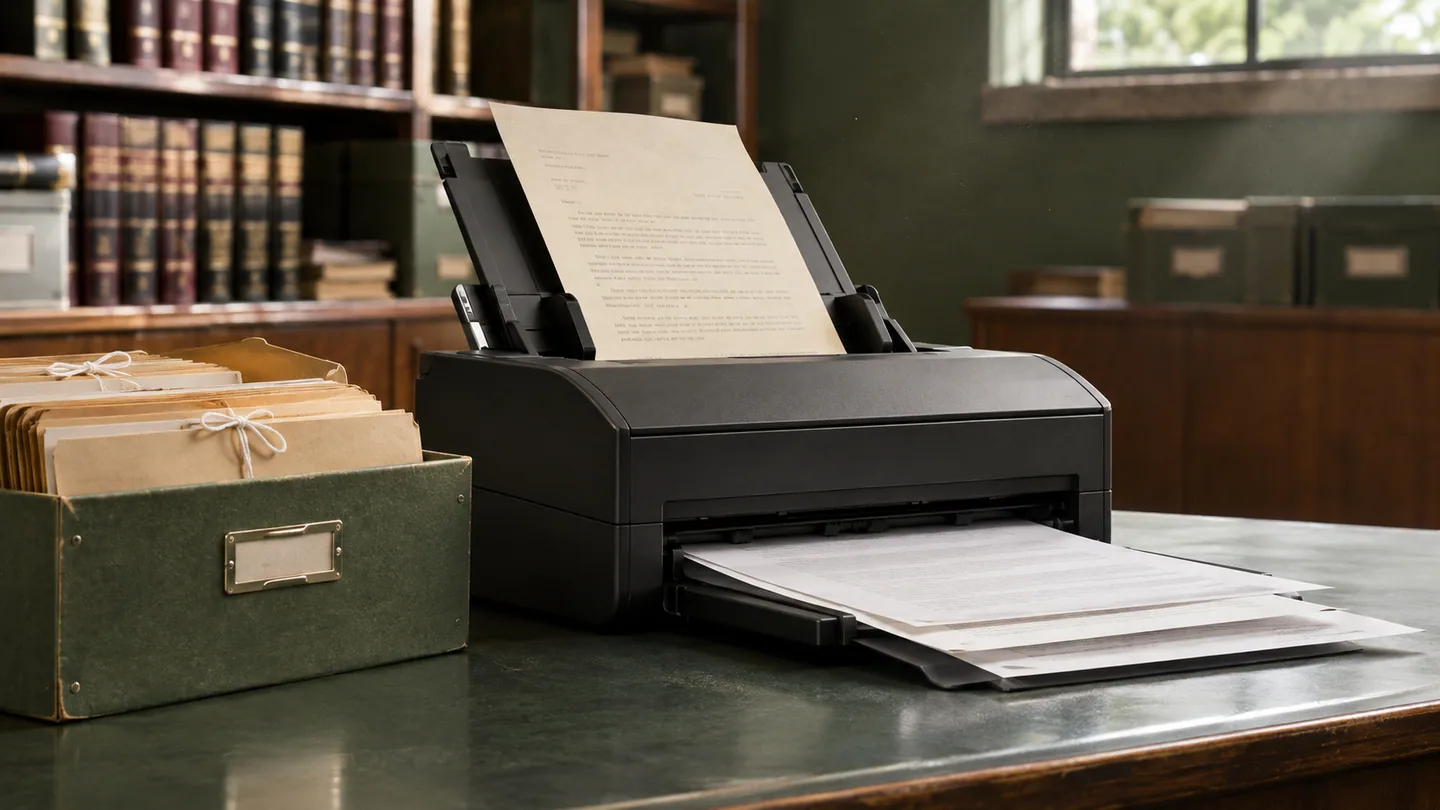
Most solo offices have a filing cabinet nobody wants to open. It holds years of closed files, old retainer agreements, court filings, discovery and handwritten notes, filed wherever there was space. When something from it is needed, finding it takes time and does not always succeed.
Paper is not just inconvenient. Documents that exist only on paper can be lost to fire, flood or theft. They cannot be reached when a client calls and you are out of the office. They cannot be searched, and they cannot be backed up. A well-run digital system reduces all of those risks.
This guide covers the full transition for a solo practice: the infrastructure, the rules to check before you destroy any paper, migrating the archive, the daily workflow that keeps paper from piling up again, and the confidentiality questions that come with cloud storage.
What Paperless Means for a Solo Practice
"Paperless" is often used for a partial state that delivers a fraction of the benefit. A genuinely paperless practice has three features.
Every document is digitized at the point of entry. Mail is scanned the day it arrives. Documents clients bring to a meeting are scanned at the meeting. Notes, drafts and correspondence are created digitally and never exist only on paper.
Every document is stored in a structured, searchable repository. Not a loose folder tree on one computer, but a system with full-text search, version control and access controls, organized by client and matter so that finding a document means knowing its matter. Our guide to organizing client files and matter documents covers the folder and naming structure.
No practice-critical information exists only on paper. A practice that has digitized new documents for three years but still keeps older active files on paper is not paperless. It is split across two media and carries the overhead of both. The exception is original documents that must stay in physical form, covered below.
The transition happens in three phases: build the infrastructure, migrate the archive, and change the daily workflow.
Phase One: Build the Digital Infrastructure
Four components need to be in place before migration starts.
A cloud-based document system. Look for storage that is reachable from any device, searchable by content and not just file name, organized by matter, and secured with encryption in transit and at rest, access controls and audit logs. Practice management software with built-in document storage keeps documents in the same matter record as deadlines and billing, which means one fewer system to manage. A standalone cloud file share works too if you mirror your matter list in its folder structure.
A document scanner built for volume. A phone scanning app is fine for an occasional page, but not for migrating years of files. A desktop scanner with an automatic document feeder, duplex (two-sided) scanning and built-in OCR is the hardware that makes migration practical. Compare current models on pages per minute, feeder capacity and the bundled software's OCR and file-naming features.
An OCR-enabled PDF workflow. A scanned page saved as an image is stored but not searchable. Optical character recognition (OCR) adds a text layer so the content can be searched, selected and copied. Most scanning software applies OCR during the scan. For older image-only PDFs, batch OCR tools can convert a whole archive. The difference matters: with an image-only archive you need to know where a document is filed; with an OCR'd archive you can search for a name, phrase or case number across every file.
Independent backup. A single storage location trades paper's physical risks for digital ones: account compromise, accidental deletion, ransomware or a service outage. Keep an automated backup with a separate service, separate credentials and versioning, and test a restore at least once so you know it works.
Before You Shred Anything: Originals and Retention Rules
Scanning a document does not make the paper disposable. Check three things before any paper is destroyed.
1. Original client documents and property belong to the client. Original wills, deeds, signed contracts, promissory notes, stock certificates, notarized documents and similar items can have legal significance that a scan does not carry. ABA Model Rule 1.15(a) requires client property other than funds to be "identified as such and appropriately safeguarded," and Model Rule 1.16(d) requires a lawyer at the end of a representation to surrender "papers and property to which the client is entitled." Do not destroy original documents the client may need. Scan them for your file, then keep the originals safely or return them to the client, and record which you did.
2. Trust account records have their own retention period. Model Rule 1.15(a) requires complete records of trust funds and other client property to be "preserved for a period of [five years] after termination of the representation." The brackets mean each state sets its own period, and some require longer. Before relying on scans alone, check whether your state has specific requirements for the form in which trust records are kept.
3. Client-file retention varies by state. The Model Rules do not set one retention period for client files. States address it through rules, court rules and ethics opinions, and the periods differ. Some states also expect notice to the client before a file is destroyed. ABA Formal Opinion 471 notes that jurisdictions differ on what part of the file the client is entitled to. Look up your state's rule or bar opinion, and write a retention policy before you destroy anything.
Shredding is the last step, not the first, and it applies only to paper that is past its retention period or that is a copy of something you hold in a verified digital form and that has no independent significance as a physical original.
Phase Two: Migrate the Paper Archive
Migration is the most labor-intensive phase and the one where most transitions stall. Scanning years of files while running an active practice feels endless, so it gets deferred. Treat it as a project with a start date, an end date and a defined scope.
Triage before you scan. Sort the paper into four groups:
- Active matters, to digitize first.
- Closed matters still within your retention period, to digitize on a schedule.
- Original client documents and property, to scan, log and keep safely or return to the client.
- Materials past your written retention period that the client is not entitled to receive, which may be securely destroyed under your policy and your state's rules.
The last group is often larger than expected, because the default for paper is to keep it indefinitely. Shrinking the pile before scanning makes the project manageable, but only once the checks in the previous section are done.
Prioritize active matters. Getting every active file into the digital system is the milestone that lets you stop working across paper and digital. Closed files can follow at a steadier pace.
Batch the scanning. Block dedicated sessions of two or three hours for scanning instead of fitting it between client work. Some solos hire temporary administrative help for the migration. If you do, supervise the work and protect confidentiality: under Model Rule 5.3, you must make reasonable efforts to ensure a nonlawyer assistant's conduct is compatible with your professional obligations, which includes instruction on confidentiality.
Set the filing convention before you file. Define folder names, file names, how related matters are handled and how versions are marked before the first page is scanned. A migration without a convention trades a disorganized cabinet for a disorganized drive. An hour spent writing the convention down saves far more later.
Check scan quality as you go. Spot-check that every page came through, that OCR worked, and that the file landed in the right matter before any paper leaves the building.
Phase Three: Build the Paperless Workflow
Migration handles the past. The workflow keeps paper from accumulating again.
Scan on receipt. Scan every paper document the day it arrives: the mail, documents a client brings in, the file-stamped copy returned from court. Not at the end of the week. A daily habit of a few minutes prevents the backlog that undermines most partial transitions.
Create documents digitally. Notes, drafts, correspondence and research memos should start in digital form and go straight into the matter file. That means typed or tablet notes during consultations and calls, and email or portal messages as the default channel, with paper mail kept for cases where it is legally required or the client prefers it.
Use a client portal for documents. A secure portal where clients upload documents straight to their matter removes a whole category of paper handling and avoids sending sensitive files as ordinary email attachments. Ask clients to bring originals in person when an original matters.
Define a mail protocol. Some paper will keep arriving: court notices, checks, letters from parties who do not use email. Write down the protocol: open mail daily, scan immediately, file the scan in the matter, then route the paper. Checks go to the deposit process. Original client documents go to safekeeping or back to the client. Paper with no independent significance is kept until it passes your retention policy or is securely destroyed under it.
Security and Confidentiality in the Cloud
Digital storage can be more secure than paper. Paper cannot be encrypted, cannot carry per-document permissions and does not log who looked at it. A well-configured system can do all three. But the move to the cloud raises confidentiality duties you need to address directly.
The standard is reasonable efforts. Model Rule 1.6(c) requires a lawyer to "make reasonable efforts to prevent the inadvertent or unauthorized disclosure of, or unauthorized access to," client information. ABA Formal Opinion 477R says reasonableness depends on factors including the sensitivity of the information, the likelihood of disclosure without added safeguards and the cost of those safeguards, and that especially sensitive information may call for extra precautions. Several state bars have issued their own opinions on cloud storage; check yours.
Vendor diligence is part of the duty. The comments to Model Rule 5.3 name cloud storage providers among the outside services a lawyer must take reasonable steps to supervise. In practice, read the provider's security documentation and terms, confirm encryption and access controls, understand where data is stored and how you can export it, and check the confidentiality and breach-notification terms. An independent audit report such as SOC 2 is useful evidence in that review, but it is one factor, not a safe harbor. Your state may expect more.
Basic controls. Turn on multi-factor authentication for every account that can reach client files, give staff only the access they need, and remove access promptly when someone leaves.
Retention still applies. Going paperless changes the medium, not the obligation. Update your written retention policy to cover digital records: retention periods by matter type, secure deletion when the period ends (including backups where possible), and a log of what was deleted and when.
What a Finished Transition Gives You
Every document and every piece of correspondence is reachable from anywhere you can securely connect. The matter file in the system is the complete record, not half of it. Finding any document is a search, not a hunt. And the filing cabinet holds only the originals you are safeguarding for clients, labeled and logged.
The transition takes deliberate effort and is not a weekend project for a practice with years of paper. But it is a finite project with a clear end state. For how a document system fits with the rest of your tools, see our breakdown of the solo legal tech stack.
This article is general information for lawyers, not legal advice. Rules of professional conduct differ by jurisdiction; check your state's rules and bar ethics opinions before relying on anything here. See our disclaimer and editorial standards.
Lexfora is practice-management software for solo and small law firms, currently in early access. Request early access.
About this article
This is practice-management guidance, not legal advice, and reading it creates no attorney-client relationship. Rules on advertising, fee arrangements and trust accounting vary by state — check your own jurisdiction's rules and your bar's guidance before acting on anything here.
Put these systems on rails
Turn your intake, matter workflows, client updates and billing into repeatable systems with Lexfora.
Request Early AccessRelated Articles

How to Run a Solo Law Practice Without Burning Out
Why solo practice wears lawyers down, and the boundaries, systems and attention habits that make it sustainable, with the ethics limits on automating intake and billing.

How to Manage 50+ Active Cases as a Solo Practitioner
Systems that let a solo attorney handle a high caseload without missed deadlines or neglected clients, and the Rule 1.3 duty to keep the workload at a level each matter can be handled competently.