
How to Organize Client Files and Matter Documents in a Small Law Firm
A practical system for client and matter documents in a solo or small firm: one home per matter, naming rules, client originals, access control, and a retention policy that fits your state.
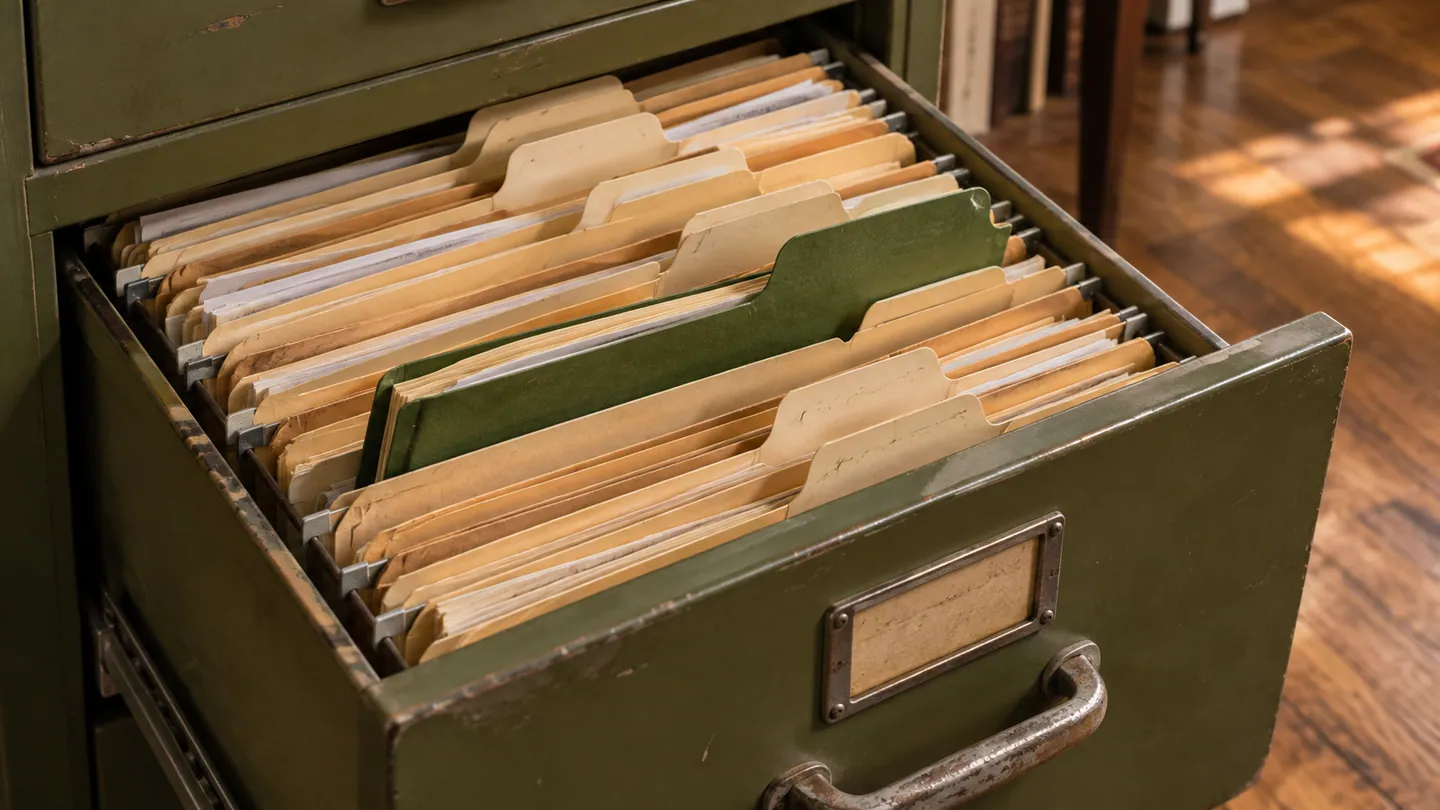
Disorganized files cost time, raise the risk of missed deadlines and lost evidence, and make it hard to hand off a matter or train new staff. This guide covers a practical structure for client and matter documents in a solo or small firm: where files live, how to name them, how to control access, and how long to keep them.
Start With One Rule: One Matter, One Place
Every matter needs a single home: one matter folder or matter record that holds all correspondence, pleadings, discovery, notes and client-provided documents. When every file has a known location tied to a matter, you find things in seconds, conflict checks and discovery responses start from one place, and anyone covering for you can pick up the file.
Common habits that break this rule:
- Emails and attachments scattered across the desktop, the inbox and USB drives.
- Files named only by date or "final," so no one can tell which version is current.
- Matter documents stored under an attorney's name instead of under the matter.
- A second copy of the file on a personal laptop that never syncs back.
Store documents by matter, not by attorney or by date alone. If your practice management system supports document storage, attach every file to the matter and its matter number. If you use a separate file share, mirror your matter list exactly so the matter number is the folder name.
Naming and Folder Conventions
A consistent pattern lets you sort and search reliably. Decide it once, write it down, and apply it to every matter.
- File names: date (year-month-day, so files sort in order) + document type + short description. For example, 2024-03-15_MSJ_Reply or 2024-04-02_Letter_to_Opposing_Counsel_re_Discovery.
- Versions: add v1, v2, v3 to drafts, and mark the filed or signed version clearly (for example, _FILED or _EXECUTED). Never rely on "final."
- Subfolders: keep them few and shallow. A starting set: Pleadings, Discovery, Correspondence, Client-Provided, Research, Billing. Add a folder only when a matter type genuinely needs it.
- Matter numbers: use the same number in the folder name, the billing system and the calendar, so a search for the number finds everything.
Choose a structure that fits your practice. What matters is that it is consistent across matters. When a court, a client or a production request needs documents in a particular form, you produce them in that form from your structure.
Keep Client-Provided Documents Separate and Identified
The Client-Provided folder does more than tidy the file. Documents and property a client hands you are the client's, not yours. ABA Model Rule 1.15(a) requires that client property other than funds be "identified as such and appropriately safeguarded," and Model Rule 1.16(d) requires a lawyer, when the representation ends, to take reasonable steps to protect the client's interests, including "surrendering papers and property to which the client is entitled."
In practice:
- Scan what clients give you into the Client-Provided folder and log the date received.
- Track originals separately. If a client gives you an original will, deed, signed contract, stock certificate or similar document, record where the physical original is kept. A scan does not replace an original that may have legal significance.
- Return or account for originals at the end of the matter, and note in the file what was returned and when.
Templates and Version Control
Keep firm templates (engagement letters, standard motions, closing letters) in one shared template library, separate from matter folders. When you create a matter-specific document from a template, save it straight into the matter folder with a proper file name. Do not edit the same document in several places; keep one canonical version per matter so you never file or send the wrong draft. Our client onboarding checklist and templates covers the documents that open each matter.
Security and Access
Control who can see what. Limit each matter to the people working on it, and give staff only the access their role needs. Model Rule 1.6(c) requires a lawyer to "make reasonable efforts to prevent the inadvertent or unauthorized disclosure of, or unauthorized access to," client information. ABA Formal Opinion 477R explains that "reasonable" depends on factors such as the sensitivity of the information and the cost of added safeguards, and that especially sensitive information may need extra precautions.
Reasonable steps for most small firms:
- A storage system that encrypts files in transit and at rest and supports role-based permissions.
- Multi-factor authentication on every account that can reach client files.
- Sharing through a secure client portal or access-controlled link rather than ordinary email attachments when documents are sensitive, so access is logged and can be revoked.
- Vendor diligence. Under Model Rule 5.3 and its comments, outside services such as cloud storage providers are part of what a lawyer must take reasonable steps to supervise. Read the provider's security and confidentiality terms before you put client files there.
Retention and Disposition
A file system is not complete until it says when files leave it. Keeping everything forever is not a policy, and destroying files without one is a risk.
Trust account records. Model Rule 1.15(a) says complete records of client trust funds and other property must be kept and "preserved for a period of [five years] after termination of the representation." The brackets mean each state fills in its own period, and some states set a longer one. Check yours.
Client files. The Model Rules do not set a single retention period for the rest of the client file. States address it through rules, court rules and bar ethics opinions, and the periods differ. Some also require notice to the client before destruction. Find your state's rule or opinion and build your policy around it.
What the client is entitled to. ABA Formal Opinion 471 (2015) notes that the Model Rules do not define the "papers and property to which the client is entitled" and that jurisdictions take different approaches, with many following an "entire file" approach. Do not destroy anything the client is entitled to receive, and never destroy original documents the client may need.
A workable policy:
- Set a retention period for each matter type, at least as long as your state requires and long enough to cover likely malpractice or follow-on claims.
- Use the matter's status (closed, archived) to start the retention clock, and record the destruction date in the closed matter.
- Tell clients your file policy in the engagement letter and again in the closing letter, and offer them the file or their originals at closing.
- When the period ends, destroy files securely (shredding for paper, verified deletion for digital, including backups where possible) and keep a log of what was destroyed and when.
If you are converting paper files, our guide to going paperless as a solo attorney covers scanning and the original-document issues in more detail.
Frequently Asked Questions
How should I organize client files in a law firm?
Give every matter a single home. Use consistent file names (date, type, description), a short list of subfolders, and the same matter number everywhere. Keep client-provided documents separate and track originals.
What is matter-based document storage?
Storage where every file is linked to a matter and its matter number. It keeps discovery and conflict information in one place and makes the current version of any document easy to find.
Do I need separate document management software?
Many small firms get enough from practice management software with matter-based document storage, or from a well-structured cloud file share. Dedicated document management systems are more common in larger firms with complex retention, production or compliance needs. Whatever you use, compare it with practice management software for solo attorneys on security, permissions and export before you commit.
How long do I have to keep client files?
It depends on your state. The Model Rule sets five years for trust account records, with states free to set their own period. Retention of the rest of the file is set by state rules and ethics opinions. Never destroy original documents or property that belong to the client.
This article is general information for lawyers, not legal advice. Rules of professional conduct differ by jurisdiction; check your state's rules and bar ethics opinions before relying on anything here. See our disclaimer and editorial standards.
Lexfora is practice-management software for solo and small law firms, currently in early access. Request early access.
About this article
This is practice-management guidance, not legal advice, and reading it creates no attorney-client relationship. Rules on advertising, fee arrangements and trust accounting vary by state — check your own jurisdiction's rules and your bar's guidance before acting on anything here.
Put these systems on rails
Turn your intake, matter workflows, client updates and billing into repeatable systems with Lexfora.
Request Early AccessRelated Articles

Client Communication Templates Every Solo Attorney Needs
Twelve ready-to-adapt client communication templates with sample text, from inquiry acknowledgment to closing letter, and the Rule 1.4 duties each one supports.
How to Onboard New Clients in Your Law Firm (Checklist + Templates)
A seven-step client onboarding checklist plus four templates: a conflict-first intake form, a non-engagement letter, an engagement letter checklist and a welcome email.

How Solo Attorneys Can Compete with Large Law Firms
Where large firms keep real advantages, where the gap has narrowed, and how a solo attorney competes on focus, access, pricing and client experience within the ethics rules.