
Google Business Profile for Lawyers: The Complete Setup Guide
Set up a law firm Google Business Profile step by step using Google's current rules, from verification and practitioner listings to reviews and posts, with the ethics limits lawyers face.
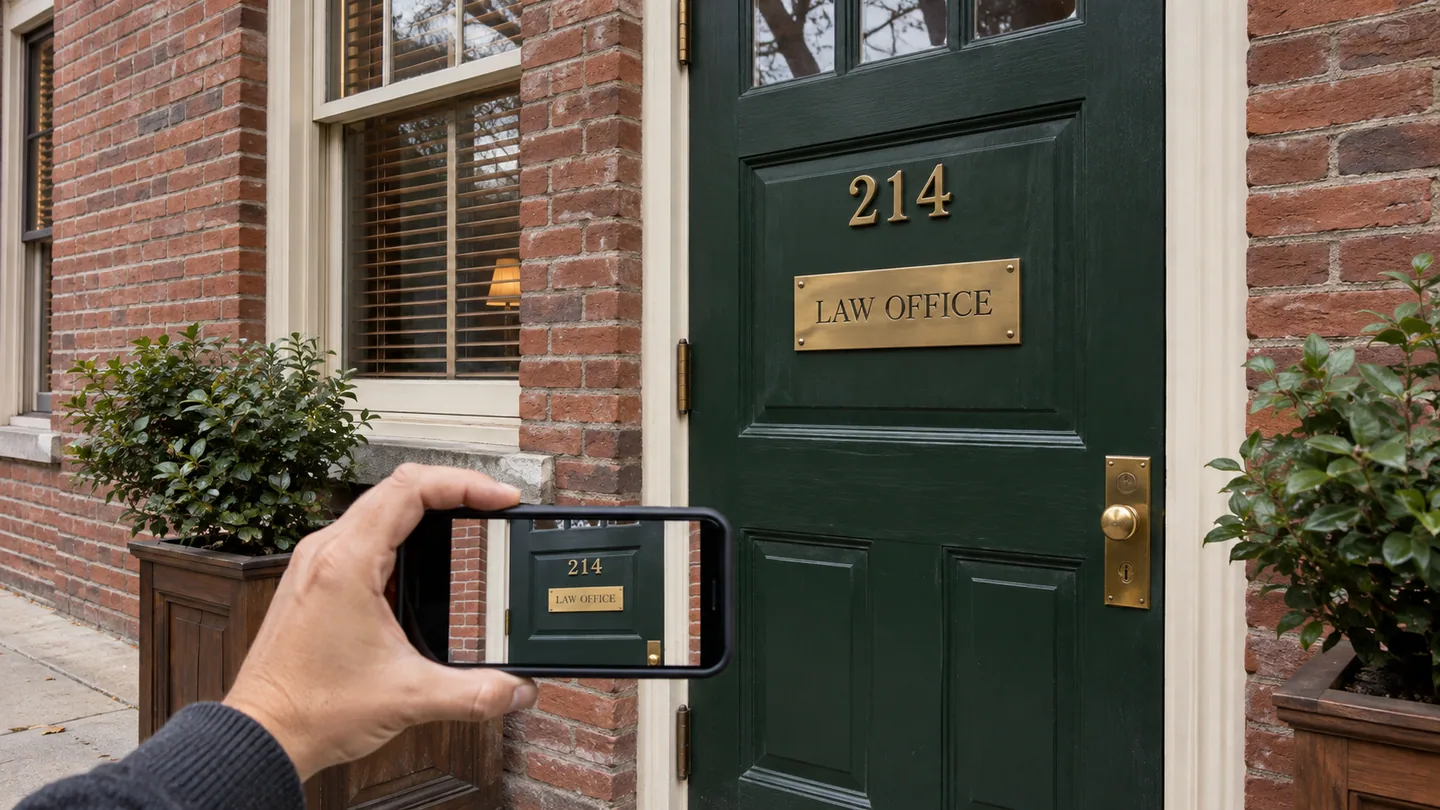
When someone in your city searches "divorce lawyer near me," Google usually shows a map with a short list of local businesses above the ordinary results. Those listings come from Google Business Profiles. The profile is free, you control it once verified, and Google says plainly on its local ranking help page that "There's no way to request or pay for a better local ranking on Google."
This guide covers setup from claim to ongoing upkeep, using Google's own help pages (checked November 12, 2026) for every platform rule, and flagging where professional-conduct rules for lawyers add limits that Google's do not.
How Google decides which profiles to show
Google says local results "are mainly based on relevance, distance, and popularity." In its words:
- Relevance is "how well a Business Profile matches what someone is searching for."
- Distance is "how far each business is from the customer who's searching."
- Prominence is "how well-known a business is." Google notes that links from other websites and the number of reviews and ratings play a part.
You cannot change distance. Everything below works on relevance and prominence.
Step 1: Claim and verify
Go to business.google.com and search for your firm. If a listing exists, claim it. If not, create one. Do not create a second profile for a firm that already has one.
Verify before you spend time on the rest. Google says verification tells it "that you're authorized to represent the business, so it's more likely to show up in search results." Google picks the method. Its verification help page lists phone or text, email, video recording, live video call and mail, and states: "Verification methods are automatically determined by Google and can't be changed." Where video recording is offered, Google recommends it.
Step 2: Decide who gets a profile
This is where law firms most often go wrong. Google's guidelines name lawyers as "individual practitioners," and set these rules:
- If several public-facing lawyers practice at one location, the firm gets its own profile, separate from each lawyer's. A lawyer's profile title should include only the lawyer's name.
- If you are the only public-facing lawyer at a branded firm, the firm and you share one profile, named in the form "[brand/company]: [practitioner name]."
- "A practitioner shouldn't have multiple Business Profiles to cover all of their specializations."
Step 3: Choose categories
Google's guidelines say "Use as few categories as possible to describe your overall core business," and that a category should complete the sentence "This business IS a," not "This business HAS a." Pick the most specific category that describes your main practice as the primary one. A personal injury practice should choose a personal injury category over a generic "Law firm" if one is offered. Add secondary categories only for areas that are a real part of your work. Do not use categories as keywords. Review them when your practice changes.
Step 4: Complete every field accurately
Google says "Businesses with complete and accurate info are more likely to show up in local search results."
- Business name. Your real-world firm name, exactly as on your letterhead and bar records. Google's guidelines say "Including unnecessary information in your business name isn't permitted." "Smith Law" is right. "Smith Law – Best Injury Lawyers in Dayton" breaks the rule and risks suspension.
- Address. Your office address, written exactly as on your other listings. If you work from home and do not meet clients there, you are a service-area business, and Google's guidelines say "you should hide your business address from customers" and set a service area instead.
- Service area. The cities or counties you actually serve.
- Phone. The number clients use, answered or with a voicemail that says when you will call back. If you use a tracking number, make sure your main number is still consistent across your other listings.
- Website. Your homepage, or a practice-area page if that is where most clients should land.
- Hours. The hours someone will actually respond. Keep holiday hours current.
Step 5: Write the description
Google allows up to 750 characters and says "Do not include URLs or HTML code," per its profile editing help. It also asks you to focus on the business rather than "promotions, prices, or sales."
Cover three things: what you handle and for whom, how you work, and the next step. An example for a family law practice:
[Firm Name] represents parents and spouses in [City] and [County] in divorce, custody and support cases. We aim to settle where we can and go to court when we must, with clear updates at every stage. Call or book a consultation online to talk about your situation.
Avoid generic lines ("quality legal services with dedication") and keyword stuffing. Avoid words that imply results or credentials you cannot back up. ABA Model Rule 7.1 prohibits misleading statements about your services, and Model Rule 7.2(c) restricts calling yourself a certified specialist unless an approved or ABA-accredited body certified you. Your state's version controls.
Step 6: Add photos and video
Google suggests you "tell the story of your business with photos and videos." Start with a recent professional headshot, an exterior shot that helps clients find your door, and the reception area. Add more over time. Do not photograph client files, screens or anyone who has not agreed to appear.
Step 7: List your services
Add each main practice area as a service, using the words clients search for: "Divorce" rather than "Dissolution of Marriage," "DUI Defense" rather than a statute name. Add a sentence on what each covers. Leave prices blank unless you offer fixed fees you can state accurately; a misleading price is still a Rule 7.1 problem.
Step 8: Build reviews the right way
Google says "More reviews and positive ratings can help your business's local ranking." How you ask matters.
Ask everyone, with no conditions
Google's content policy says businesses may not "Discourage or prohibit negative reviews, or selectively solicit positive reviews from customers," and may not offer incentives such as discounts or free services. The FTC's consumer review rule, 16 CFR Part 465, effective October 21, 2024, also bans buying positive or negative reviews, per the final rule in the Federal Register.
So do not write "If you were satisfied, please leave a review." That conditions the ask on satisfaction. Send the same request to every client at the end of a matter:
Thank you for trusting us with your matter. If you are willing, we would appreciate a review of your experience on Google. It takes a couple of minutes: [review link]
Google's reviews help page explains that you can share a link or QR code that takes clients straight to the review form. Check your state bar's rules on soliciting reviews and on testimonials before you start. Our guide to getting more reviews as an attorney ethically covers the details.
Replying: where Google's advice and your ethics rules differ
Google's reviews help page calls replying to reviews a best practice. Lawyers have a constraint other businesses do not. Rule 1.6 protects all information relating to a representation. ABA Formal Opinion 496 (January 2021), as reported by the ABA Journal, concluded that a negative online review does not permit disclosing client information, advised lawyers to "give serious consideration to not responding," and offered a safe reply for a current or former client: "Professional obligations do not allow me to respond as I would wish."
In practice:
- For positive reviews, a short thank-you that adds no detail about the matter.
- For negative reviews, often no reply, or an offer to talk offline. Never argue the facts.
- Some states have their own opinions on this. Check yours.
Step 9: Use posts when you have something to say
Older guides say posts expire after seven days, so you must post weekly. That is out of date. Google's posts help page now says "Posts older than 6 months are archived unless a date range is set."
So post when you have something useful: a plain-English explanation of a common question in your practice area, a change in your hours or services, or a talk you are giving. A post is lawyer advertising. Keep it accurate, avoid results claims, and keep a copy if your state requires ad retention.
Step 10: Watch the numbers monthly
Your profile shows how often it appeared in searches and how many calls, website clicks and direction requests it produced. Watch the trend, not single months. Many views and few calls point to the profile itself: photos, description, reviews. Few views point to categories, completeness or reviews. Then compare with your intake records: ask every new client how they found you, and record it.
Upkeep in thirty minutes a month
- Send the review request to every client whose matter closed.
- Check new reviews and decide, under the rules above, whether to reply.
- Confirm hours, phone and address are still right.
- Add a post or photo if you have one.
- Glance at the performance numbers.
Your Business Profile is one part of local search. For the rest, including your website and other listings, see the attorney's complete guide to local SEO and our guide to claiming and optimizing attorney directory listings.
This article is general information for lawyers, not legal advice. Rules of professional conduct differ by jurisdiction; check your state's rules and bar ethics opinions before relying on anything here. See our disclaimer and editorial standards.
Lexfora is practice-management software for solo and small law firms, currently in early access. Request early access.
About this article
This is practice-management guidance, not legal advice, and reading it creates no attorney-client relationship. Rules on advertising, fee arrangements and trust accounting vary by state — check your own jurisdiction's rules and your bar's guidance before acting on anything here.
Put these systems on rails
Turn your intake, matter workflows, client updates and billing into repeatable systems with Lexfora.
Request Early Access